Filter
Tags
All News
HOW-TO
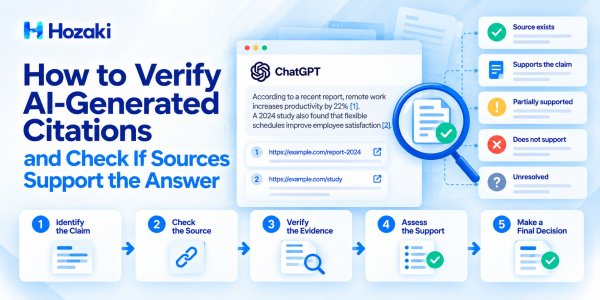
How to Verify AI-Generated Citations and Check If Sources Support the Answer
AI-generated answers can look convincing when they include citations, but a source link does not automatically make a claim reliable. This practical guide shows how to verify AI citations, detect fabricated or misleading sources, check whether cited pages actually support specific statements, and document the results in a repeatable claim-to-source verification workflow.
HOW-TO
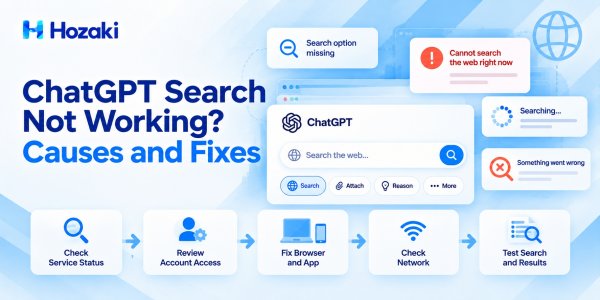
ChatGPT Search Not Working? Causes and Fixes
ChatGPT Search not working? This troubleshooting guide explains how to diagnose missing search options, failed searches, endless loading, browser problems, and account or workspace restrictions. Follow a practical step-by-step process to identify whether the issue comes from ChatGPT's service, your account, browser, app, or network, and learn when to contact OpenAI Support.
HOW-TO
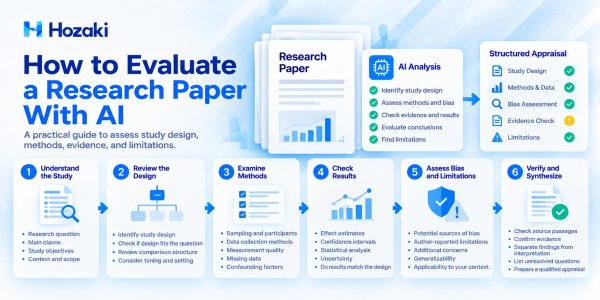
How to Evaluate a Research Paper With AI: Methods, Evidence, and Limitations
Learn how to evaluate a research paper with AI using a structured critical appraisal workflow. This guide explains how to identify study designs, examine research methods, assess potential bias, check whether evidence supports conclusions, and recognize important limitations. It includes practical AI prompts, source verification steps, and a research paper appraisal checklist to help readers evaluate studies more systematically without treating AI-generated judgments as expert review.

HOW-TO
How to Analyze Long Documents With AI Without Missing Important Details
Learn how to analyze long documents with AI without overlooking important sections, figures, exceptions, or supporting evidence. This practical guide explains how to prepare lengthy PDFs and reports, build a document structure map, analyze sections systematically, track source references, and verify the final findings. It also includes reusable prompts and a coverage audit workflow for identifying gaps before relying on AI-generated analysis.
HOW-TO
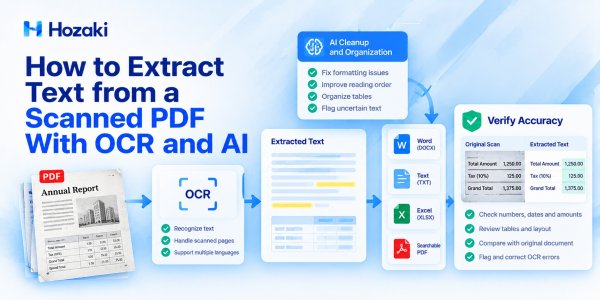
How to Extract Text from a Scanned PDF With OCR and AI
Learn how to extract text from scanned PDFs using OCR and AI-assisted workflows. This guide explains why image-based PDFs cannot always be copied directly, compares practical extraction methods, and shows how to export recognized text to Word, TXT, or Excel. It also covers common OCR errors, formatting problems, and verification steps for improving the reliability of extracted information.
HOW-TO
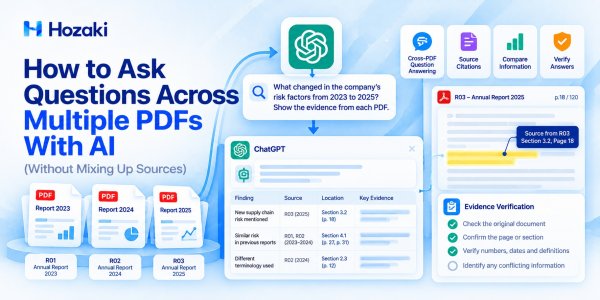
How to Ask Questions Across Multiple PDFs With AI (Without Mixing Up Sources)
Learn how to ask questions across multiple PDFs with AI while keeping answers connected to their original sources. This practical guide explains how to prepare documents, write cross-document questions, track citations, identify conflicting evidence, and verify AI-generated answers. It also includes reusable prompts and an evidence-checking workflow for research, reports, and document analysis.
COMPARISONS
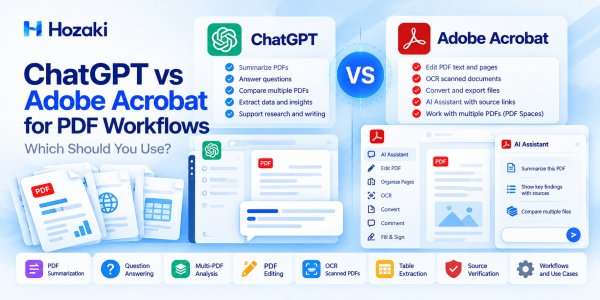
ChatGPT vs Adobe Acrobat for PDF Workflows: Which Should You Use?
ChatGPT and Adobe Acrobat both support AI-powered PDF workflows, but they solve different document problems. This comparison examines PDF summarization, question answering, OCR, editing, data extraction, source verification, and multi-document analysis. Learn where each tool fits, what limitations to consider, and when combining both produces a more reliable workflow.
HOW-TO
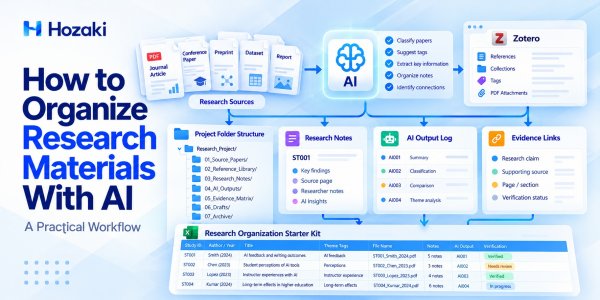
How to Organize Research Materials With AI: A Practical Workflow
Learn how to organize research materials with AI using a practical, repeatable workflow. This guide covers research folder structures, PDF naming conventions, citation management, AI-assisted tagging, searchable notes, and source verification. Build a research system that keeps papers, notes, references, and AI-generated insights connected and easy to retrieve.
HOW-TO
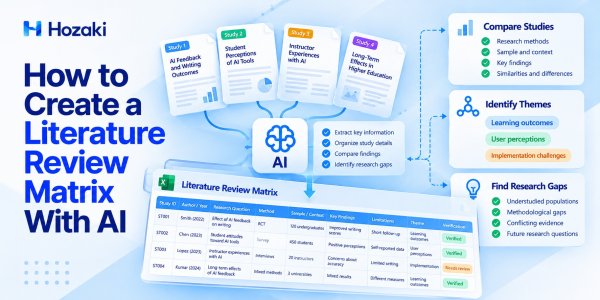
How to Create a Literature Review Matrix With AI
Learn how to build a literature review matrix with AI using a practical research workflow. This guide explains how to extract study details, organize research methods and findings, compare evidence across papers, and identify research gaps. Includes prompts, verification steps, and an Excel matrix template.
HOW-TO
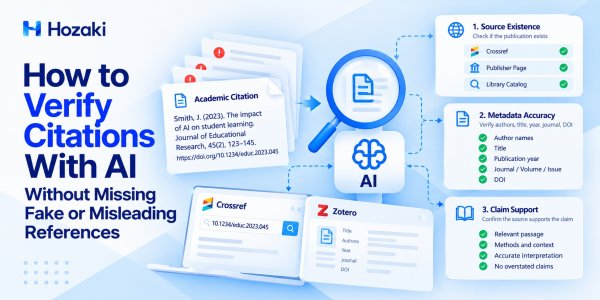
How to Verify Citations With AI Without Missing Fake or Misleading References
Learn how to check academic citations with AI without trusting fabricated or misleading references. This practical workflow explains how to verify publication details with Crossref, inspect reference metadata in Zotero, and compare research claims against original sources. Includes verification prompts, common citation errors, and a step-by-step reference audit checklist.
HOW-TO
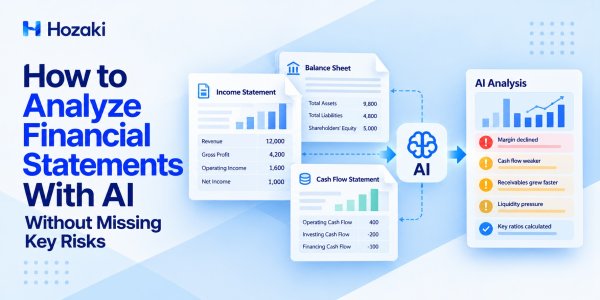
How to Analyze Financial Statements With AI Without Missing Key Risks
Learn how to use AI to analyze income statements, balance sheets, and cash flow statements. This practical guide covers financial ratios, profitability trends, liquidity risks, cash flow warning signs, and methods for verifying AI-generated financial insights against original reports.
HOW-TO
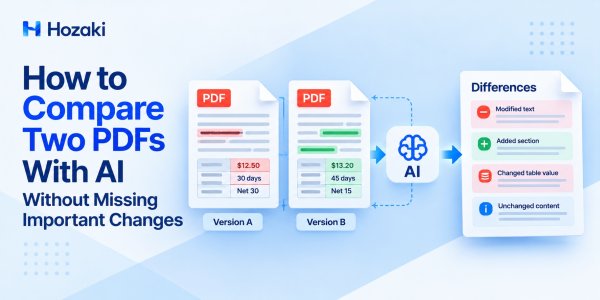
How to Compare Two PDFs With AI Without Missing Important Changes
Learn how to compare two PDFs with AI, identify text and table changes, verify critical differences, and create an accurate comparison report.
HOW-TO
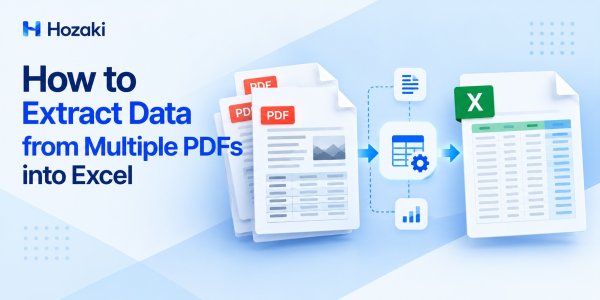
How to Extract Data from Multiple PDFs into Excel
Learn how to extract data from multiple PDFs into Excel using Power Query, Python and AI, with practical steps for combining and verifying results.
HOW-TO
How to OCR a PDF and Make Scanned Documents Searchable
Learn how to OCR a PDF using Adobe Acrobat and free tools. Make scanned PDFs searchable, improve text recognition, and verify the results.
HOW-TO
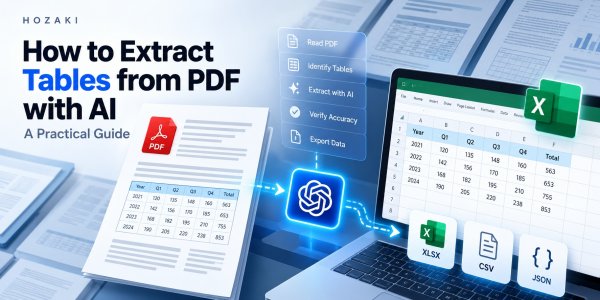
How to Extract Tables from PDF with AI: A Practical Guide
Learn how to extract tables from PDF with AI, handle scanned and complex tables, export to Excel or CSV, and verify data accuracy.
HOW-TO
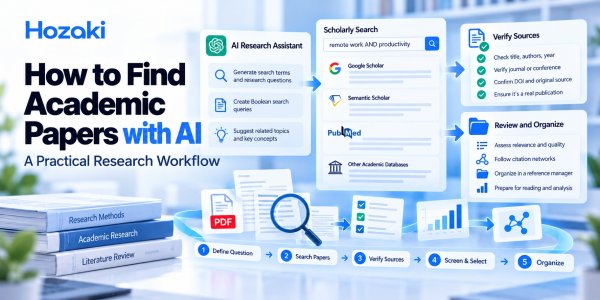
How to Find Academic Papers With AI: A Practical Research Workflow
Learn how to find academic papers with AI, search research databases, verify citations, discover related studies, and organize reliable sources.
COMPARISONS
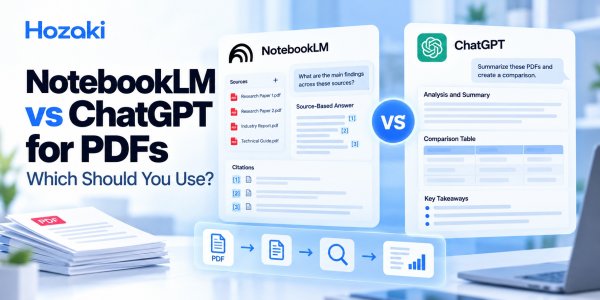
NotebookLM vs ChatGPT for PDFs: Which Should You Use?
Compare NotebookLM vs ChatGPT for PDFs: summaries, citations, multiple documents, research workflows, limitations, and which tool fits your task.
HOW-TO
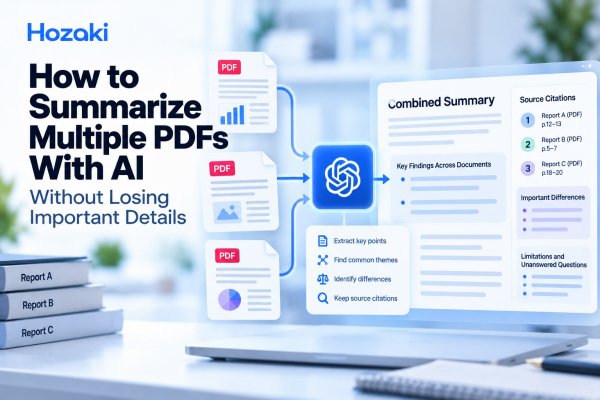
How to Summarize Multiple PDFs With AI Without Losing Important Details
Learn how to summarize multiple PDFs with AI, combine findings across documents, track sources, and verify important details with practical prompts.
HOW-TO
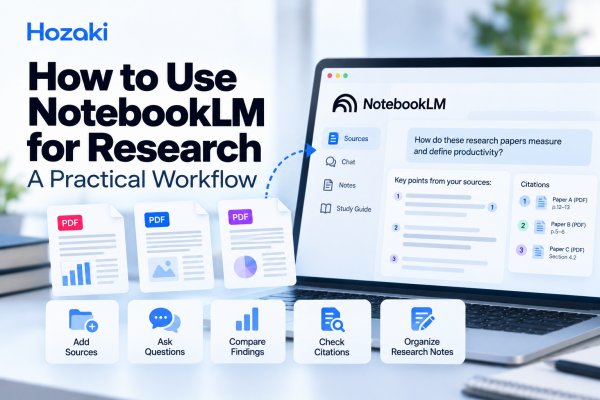
How to Use NotebookLM for Research: A Practical Workflow
Learn how to use NotebookLM for research, from adding sources and asking questions to comparing findings, checking citations, and organizing notes.
HOW-TO
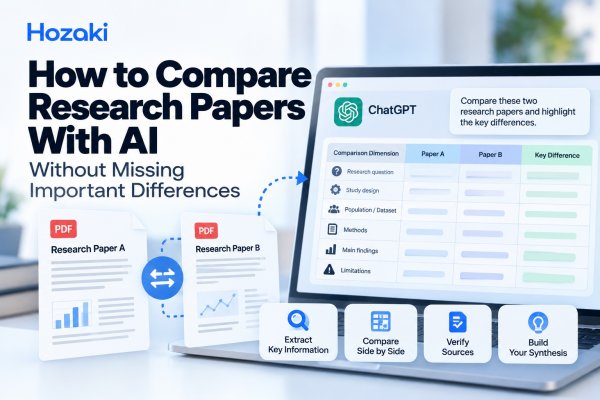
How to Compare Research Papers With AI Without Missing Important Differences
Learn how to compare research papers with AI using a practical workflow, comparison matrix, reusable prompts, and source verification.